Production Area
126
Workforce Visibility
creates a workforce visibility layer across selected gates, production areas, operational routes and controlled zones.

Production Area
126
Site Entry
38
Dock Area
71
Restricted Zone
2
Live status
300
Workers on site
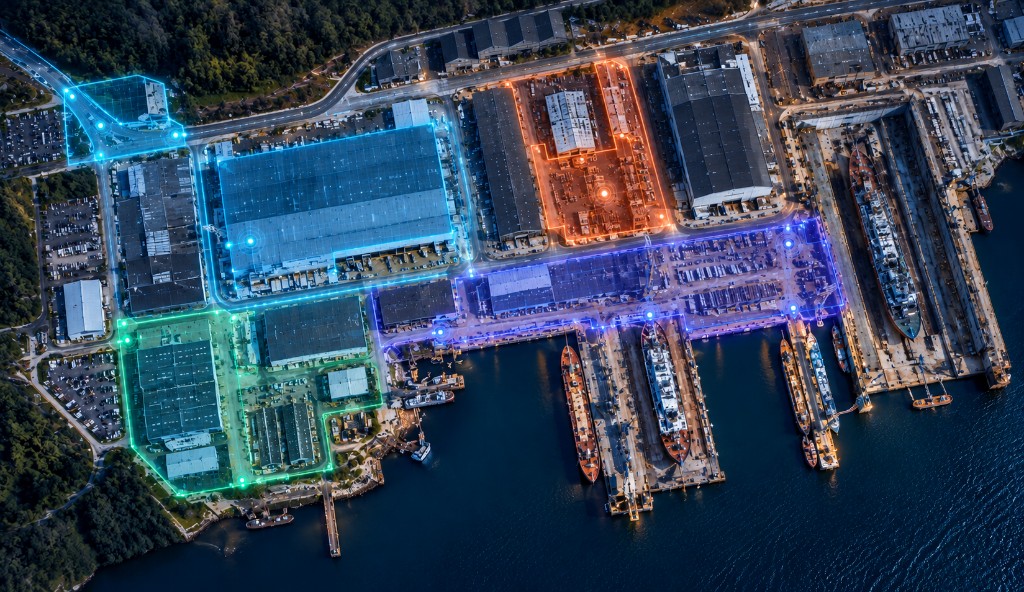
Workforce Presence
Live
Live Status
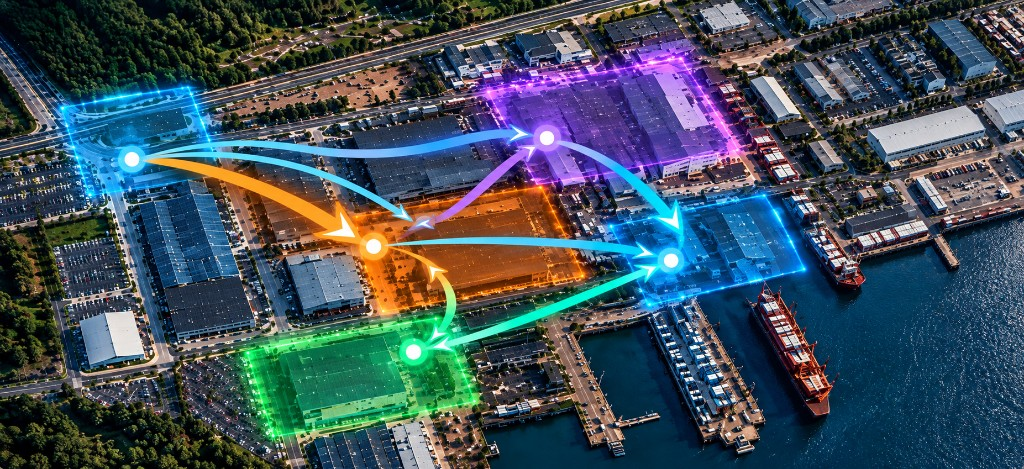
Workforce Flow
Live
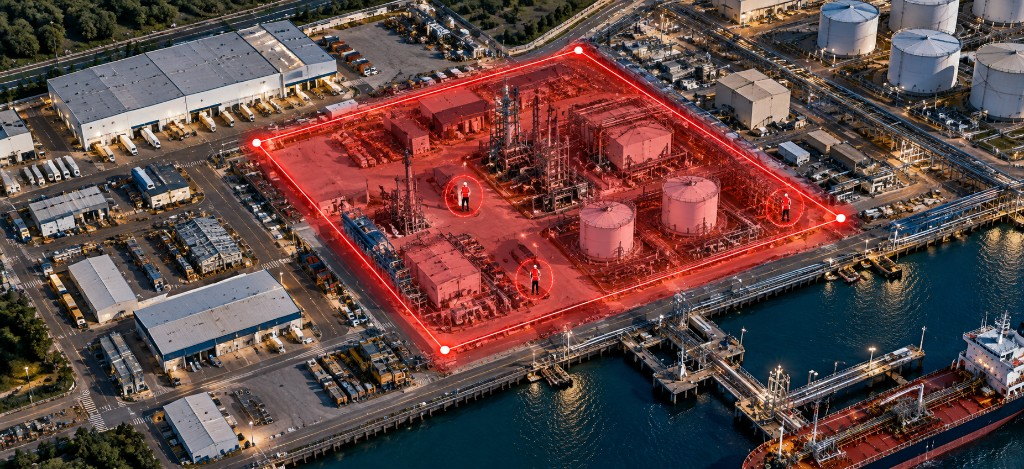
Restricted Area
Live
Movement History
Today
Anonymized ID · W-042
Production Area
3h 15mDock Area
4h 55mTransition
10 minAnalytics & Reports
Today
Workforce Presence · Today
Workforce Distribution
Access & Verification
Operational Insights
Operational Use Cases
Apply WIMSS Workforce to defined operational areas where physical presence, access verification and workforce movement matter.
Use Case 01
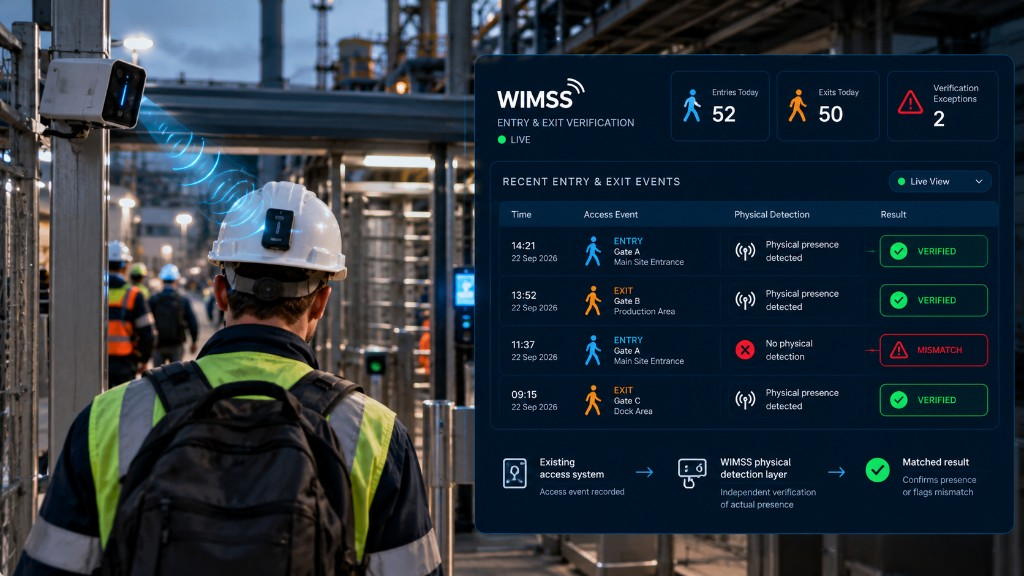
Verify actual physical presence at site entry and exit points.
Connect physical detection with existing access events to identify verified entries and exits, missing physical detection and mismatches.
Verified presence · Entry & exit history · Verification exceptions
Use Case 02
Detect and validate workforce presence in controlled operational areas.
Identify authorized and unauthorized presence within defined zones and make relevant exceptions visible for operational response and review.
Zone visibility · Unauthorized presence · Traceable zone events
Use Case 03
Maintain a consistent operational view across employees and contractors.
See workforce presence across monitored areas using the same operational visibility layer for internal teams, contractors and other defined workforce groups.
Employee visibility · Contractor visibility · Site-level workforce picture
Use Case 04
Understand how workforce activity changes across operational areas and over time.
Analyze aggregate movement between monitored areas, identify peak activity periods and review how workforce distribution changes during operations.
Movement patterns · Peak periods · Zone distribution
Business Value
Create a more reliable operational picture of workforce presence, exceptions and activity across monitored areas.
Maintain a consistent view of actual workforce presence across monitored gates, production areas and operational zones.
Bring missing verification, mismatches and unauthorized presence to attention when they occur.
Maintain the same operational visibility across employees, contractors and other defined workforce groups.
Use historical presence, access and zone events for operational review and investigation.
Privacy-Conscious Deployment
WIMSS Workforce focuses on defined operational events such as presence, zone detection, access validation and operational exceptions. Monitoring scope, data access and retention requirements are defined for each deployment.
The deployment model can be configured around the operational purpose, monitored areas and workforce groups relevant to each site.
Start with a Pilot
Validate workforce visibility in a defined operational area before expanding across the site.
Identify the operational challenge, access points, monitored areas and pilot scope.
Define the entry point, operational zones and workforce group included in the pilot.
Install the required detection infrastructure and activate the WIMSS Workforce visibility layer.
Review presence detection, access verification, zone events and operational exceptions.
Extend coverage to additional gates, zones, workforce groups or sites based on validated requirements.